
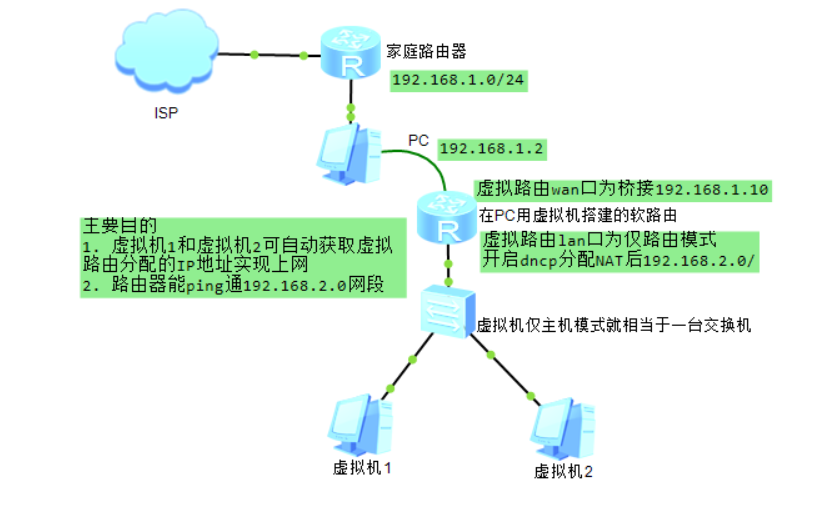
2021/10.29/21.13 终于解决了困扰我好久的问题,搞好之后也能测试带域名的vCenter了,争取明天写完2021/10.31/18.27 隔了一天才写 关于标题这个,我也不知道具体怎么描述一系列, 这个操作是在去年上半年之前boss上课的时候很快的演示了一遍, 当时也没录像, 而且
 2021-10-29
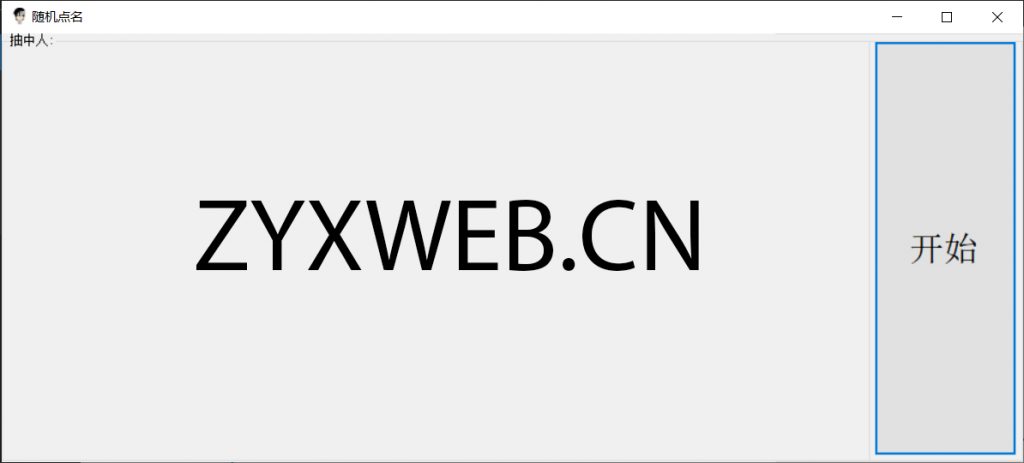
时隔5个月的新坑 using System; using System.Collections.Generic; using System.ComponentModel; using System.Data; using System.Drawing; using System.Linq; u
2021-09-08
系统视图本文章默认不添加' ] '提示特殊视图会添加特殊视图提示如'aaa]'则是在aaa视图命令下vlan视图提示不会写vlan号而直接使用'vlan]'来表示在vlan视图 版本介绍 VRP版本: 核心版本(内核版本)
2020-11-17
运算符 以下假设变量: a=10,b=20: 算术运算 运算符 描述 实例 + 加 - 两个对象相加 a + b 输出结果 30 - 减 - 得到负数或是一个数减去另一个数 a - b 输出结果 -10
2020-06-02

安装 yum -y install mariadb* // 安装mariadb开头的所有 systemctl { start | stop | status | restart } mariadb systemctl { enable | disable } mariadb 初始化
2020-05-15
smtp 发送pop and imap 接收pop 创建副本,从服务器复制到客户端 不会同步imap 同步 邮件在服务器中 安装 yum -y install sendmail* // 安装sendmail开头的所有 systemctl { start | stop | stat
2020-05-09
主/被动服务器/客户机广播 安装 yum -y install ntp systemctl { start | stop | status | restart } ntpd systemctl { enable | disable } ntpd 配置 配置文件:/etc/n
2020-05-08
安装 yum -y install httpd systemctl { start | stop | status | restart } httpd.service systemctl { enable | disable } httpd.service // 标准三步 安装启动自启动
2020-04-17
安装和启动 yum -y install bind // 神奇,我还以为是named systemctl { start | stop | status | restart } named.service systemctl { enable | disable } named.servic
2020-04-10
安装 yum -y install dhcp // 注意,在配置文件为空时,会报错,可以把/usr/share/doc/dhcp*/dhcpd.conf.example覆盖到/etc/dhcp/dhcp.conf systemctl start dhcpd systemctl enable d
2020-04-07